
If you’re looking for the Bloodlines Trello, you can access the original community board here:
The board is a useful reference for exploring Bloodlines’ clans, abilities, weapons, items, game mechanics, and progression systems. However, there is an important update: the original board’s maintainers announced on October 19, 2026, that they had stopped updating it and were working on a replacement. A publicly verifiable replacement link was not available in the latest information I could find.
This guide explains what the board contains, how to use it, where to find additional game information, and how to avoid relying on outdated details. bloodlines.
What Is the Bloodlines Trello?
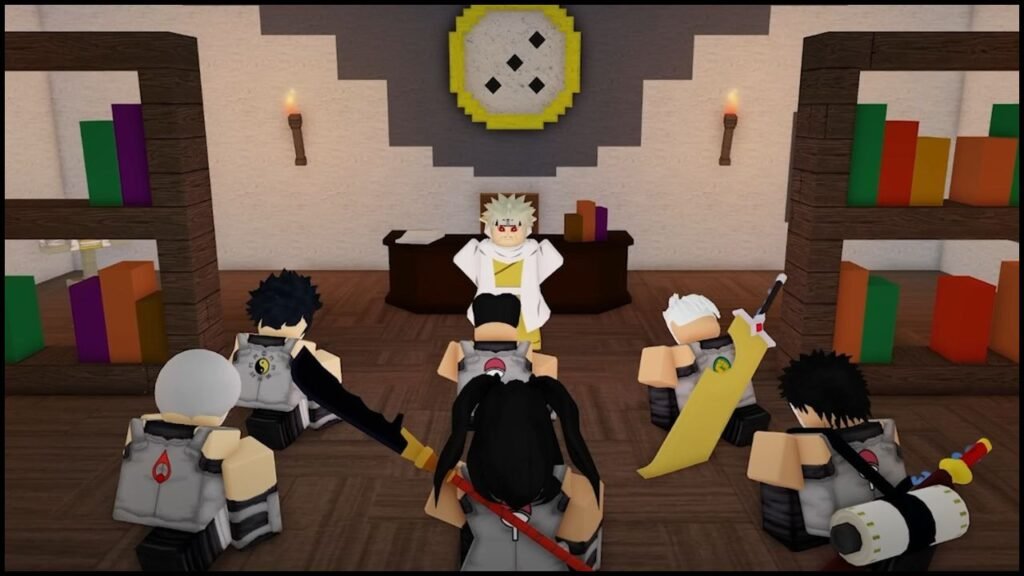
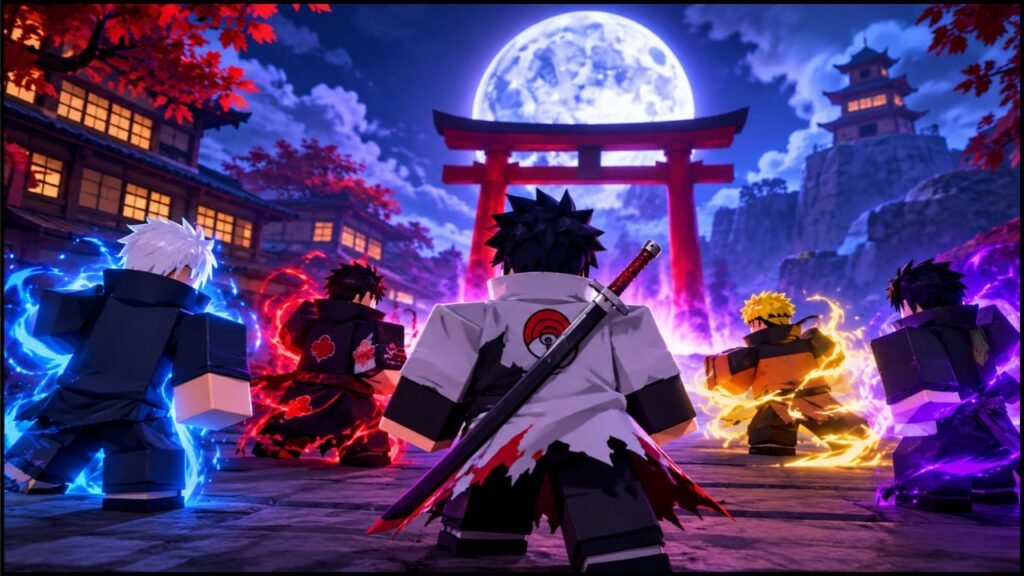
The Bloodlines Trello is a community-maintained information board for the Roblox action RPG Bloodlines. It organizes game information into lists and cards, making it easier for players to find details about different systems without searching through random discussions.
Instead of reading one long guide, you can open a specific card to investigate a particular clan, item, ability, location, or game mechanic.
The board is especially useful when you want to:
- Learn about different clans and their abilities.
- Understand character progression.
- Explore skill trees and jutsu.
- Find information about weapons and equipment.
- Check items, scrolls, and crafting materials.
- Research bosses and their possible drops.
- Learn about villages, factions, and locations.
One thing to remember: This is a community resource, not a guaranteed live record of every game change. Its maintainers announced that updates had stopped, so some information may no longer match the latest game version. bloodlines.
Is the Bloodlines Trello Still Working in 2026?
Yes, the original Bloodlines Trello link is still publicly accessible, but there is a difference between an accessible board and an actively maintained board.
According to the November 2026 information available:
- October 19, 2026: The board’s update log announced that its maintainers would stop updating it.
- October 19, 2026: The board was described as a legacy Trello from before the October 17 graphics update.
- November 1, 2026: No publicly verifiable replacement board link had been published.
- November 3, 2026: Pro Game Guides also described the original board as a legacy resource.
This means you can still use the existing board to research older game information, but you should not assume every card reflects the current version. bloodlines.
Is There a New Bloodlines Trello Link?
A replacement board was being prepared by different maintainers, according to the old board’s update notice. However, I could not verify a publicly available replacement URL in the latest sources checked.
Be careful with websites advertising a new Bloodlines Trello link without showing a reliable connection to the game’s community.
The safest approach is to check the game’s community announcements and Discord before trusting a replacement link.
How to Use the Bloodlines Trello Board
If you have never used Trello before, don’t worry. You don’t need any special knowledge to explore the board.
Trello uses boards, lists, and cards to organize information.
- Board: The main workspace containing Bloodlines information.
- Lists: Categories that organize related subjects.
- Cards: Individual entries containing specific information.
Follow these steps to find what you need.

Step 1: Open the Original Trello Link
Visit the Bloodlines Trello board.
Depending on your browser and Trello’s current access settings, you may see a login screen or a board-loading message. If the board does not load correctly, try refreshing the page or opening it in another browser.
Step 2: Find the Relevant Category
Once the board loads, look through its available lists.
For example, if you want information about a particular clan, look for the clans section instead of browsing unrelated cards.
The same approach works for weapons, items, skills, and other game systems.
Step 3: Open an Individual Card
Click the card related to your question.
A card may contain information such as:
- Description of an ability or item.
- Requirements for progression.
- Related game mechanics.
- Additional notes and references.
Read the complete card instead of relying only on its title.
Step 4: Check Whether the Information Is Outdated
This step matters more now because the original board is no longer receiving regular updates.
Before using information from a card, check its update history if available. Compare important requirements with recent community announcements or the current in-game information.
Step 5: Return to the Board for Other Information
After finding what you need, close the card and explore another category.
You can use this process to research multiple parts of Bloodlines without jumping between unrelated websites.
What Information Can You Find on the Bloodlines Trello?
The original board contains several categories covering different parts of the game. Here are the main areas worth exploring.
1. Clans and Bloodlines
Clans are an important part of character development in Bloodlines. Different clans have their own abilities, progression paths, and gameplay features.
The Trello includes a clan section containing information about the available clans and their progression.
You can use these cards to research:
- Clan-related abilities.
- Progression requirements.
- Special skills and unlocks.
- Clan rarity information.
- Related modes and awakenings.
If you’re deciding which clan to pursue, use the board as a starting reference. However, don’t spend valuable resources based only on an older rarity list. Check the current in-game information before making a decision.
2. Skill Trees and Jutsu
The skill tree section helps players understand the abilities available through character progression.
You can explore different skill paths, learn about mastered jutsu, and identify abilities connected to particular progression systems.
This information is useful when planning a character build.
For example, if you’re interested in developing a combat-focused character, investigate the available skills and their requirements before investing in a particular path.
Remember that older ability descriptions and requirements may not reflect later balance changes.
3. Modes and Awakenings
Modes and awakenings provide another area to research when exploring character development.
The Trello organizes information about these systems so players can investigate available options and their connections to different abilities.
When researching an awakening, pay attention to:
- Its associated progression system.
- Unlock requirements.
- Related skills.
- Any prerequisites mentioned in the card.
Don’t assume that every awakening is available to every clan. Check the specific requirements rather than making decisions based on a name alone.
4. Weapons and Armor
Weapons and armor can influence how you approach combat and character progression.
The Bloodlines Trello includes separate information about equipment, making it easier to research different options.
You can explore:
- Available weapons.
- Armor types.
- Equipment-related information.
- Items connected to combat.
- Other equipment details.
If you’re comparing two pieces of equipment, check their actual in-game descriptions and requirements. An older Trello card may not include later adjustments.
5. Items, Gems, and Scrolls
The board also contains information about items and other resources.
These categories are helpful when you want to understand what a particular object does or where it fits into the game’s systems.
You can investigate gems, scrolls, schematics, recipes, and other listed materials.
A useful approach is to search for the exact item name first. Then check any connected cards that explain its purpose or relationship with another game system.
6. Bosses and NPCs
The mobs and bosses section is another useful part of the board.
It helps players research enemies, bosses, and related drops.
If you’re preparing for a boss encounter, look for information about its associated rewards and other relevant details.
However, treat old drop information as a reference rather than a guarantee. Check the current game before spending a long time farming for a specific reward.
7. Villages and Factions
Bloodlines also includes village and faction systems.
The Trello organizes information about village factions and rogue factions, along with reputation and rankings.
These categories can help you understand how different factions fit into character progression.
If you’re trying to understand a faction-related requirement, read the relevant card carefully and check whether the information still applies to the current game.
8. Locations and Other Game Information
The board contains additional information that doesn’t fit neatly into the categories above.
Some examples include:
- Faction locations.
- Sub-areas.
- Chakra points.
- Character hairstyles.
- Ailments.
- Game systems such as aging, life force, and sin.
These sections can be helpful when you’re trying to understand a specific mechanic or locate information that is difficult to find elsewhere. bloodlines.pro
Bloodlines Trello vs Wiki vs Discord: What’s the Difference?
The Trello board is not the only place where you can find information about Bloodlines. The Wiki and Discord are also useful, but each serves a different purpose.
Comparison of the main community resources
| Resource | Best use |
|---|---|
| Bloodlines Trello | Detailed reference cards and older game information |
| Bloodlines Wiki | Browsing information about clans, weapons, items, and NPCs |
| Bloodlines Discord | Community discussions, announcements, and player support |
| Roblox game page | Access information and developer-provided links |
Pro Game Guides also recommends using the Wiki for browsing information and Discord for announcements and player questions. Pro Game Guides
Bloodlines Wiki
The BloxInformer website provides a browsable reference for Bloodlines information.
Unlike Trello, where you need to navigate between cards, a Wiki organizes topics into individual pages.
It can be a better starting point when you want to research a particular clan, weapon, item, or NPC.
Bloodlines Discord Server
The Bloodlines Discord community is useful for discussions with other players.
You can use the community to:
- Ask questions about game mechanics.
- Discuss character builds.
- Look for recent announcements.
- Get help with game-related problems.
- Check whether older information is still relevant.
If an invitation stops working, visit the game’s Roblox community page and check its available social links rather than trusting random invitations.
Bloodlines on Roblox
You can also visit the Roblox official website to find the Bloodlines experience and its associated community information.
Always verify that you’re opening the correct experience. Other games can use similar names.
How to Find the Right Information Without Wasting Time
The Bloodlines Trello contains many different categories, so searching without a clear goal can become confusing.
Here are some practical ways to make your research easier.
Search for Specific Names
Instead of opening every list, start with the exact name of the clan, weapon, item, or ability you’re researching.
For example, if you’re looking for information about a particular clan, search for its name rather than browsing every game system.
This saves time and helps you find relevant cards faster.
Check Related Cards
Some game mechanics are connected.
An ability may depend on a particular clan, while an item may be connected to a specific progression system.
Don’t stop after finding one card. Check related entries to understand the full requirements.
Compare Old and New Information
This is especially important with the legacy board.
Suppose an older card lists a specific requirement for unlocking an ability. Before following it, compare that requirement with recent announcements or information available in the current game.
If the details don’t match, trust verified current information over an older card.
Avoid Making Decisions Based on Rarity Alone
A rare clan or ability may look attractive, but rarity doesn’t automatically make something the best choice for your playstyle.
Consider the abilities, requirements, and gameplay role before spending resources on rerolls or other progression choices.

Common Bloodlines Trello Problems and How to Fix Them
Sometimes the board may not load or you may struggle to find the information you’re looking for.
Here are a few common problems and possible solutions.
Why Is the Bloodlines Trello Not Loading?
Trello pages rely on JavaScript and browser resources. If those resources fail to load, the board may appear blank or display an error.
Try these steps:
- Refresh the Trello page.
- Open the link in another browser.
- Disable browser extensions that might block page resources.
- Check your internet connection.
- Try accessing the board again later.
If the problem continues, use another Bloodlines community resource while you wait.
Why Can’t I Find a Particular Clan or Ability?
Not every topic is necessarily listed under the name you expect.
Try searching for related terms or checking the progression section connected to that feature.
For example, an ability may be listed under a skill tree or awakening category instead of having its own main list.
Why Does Trello Show Different Information From the Game?
The most likely explanation is that the card contains older information.
Since the original board stopped receiving updates, some requirements, descriptions, and mechanics may no longer match the current game.
Compare the card with recent announcements and in-game details before following its instructions.
Is the Bloodlines Trello Safe to Open?
The supplied Trello link points to Trello’s website. You should still make sure you’re using the correct address.
Keep these safety tips in mind:
- Never share your Roblox password with a Trello board.
- Don’t download suspicious files from unknown cards.
- Avoid websites promising free Robux in exchange for account details.
- Don’t enter your Roblox login information on unofficial websites.
- Check community invitations before joining unfamiliar servers.
You don’t need to provide your Roblox password to read public Trello information.
Frequently Asked Questions
1. What is the Bloodlines Trello link?
The original Bloodlines Trello is available.
It contains community-maintained information about clans, skills, weapons, items, and game mechanics.
2. Is the Bloodlines Trello official?
The board is a community-maintained resource. Its association with the game does not establish that it is directly operated by the developers.
Players should use official developer announcements to verify important changes.
3. Is the Bloodlines Trello still updated?
No. The original board’s maintainers announced on October 19, 2026, that they would stop updating it.
The board remains useful as an older reference, but its information may be outdated.
4. Is there a new Bloodlines Trello in 2026?
A replacement board was being prepared, but I couldn’t verify a publicly available replacement link in the latest sources checked.
Check the Bloodlines community announcements for confirmation.
5. What can I find on the Bloodlines Trello?
You can find information about:
- Clans and bloodlines.
- Skill trees and jutsu.
- Modes and awakenings.
- Weapons and armor.
- Items, gems, and scrolls.
- Bosses and drops.
- Villages and factions.
- Locations and game mechanics.
6. Does Bloodlines have a Wiki?
Yes. Players can use community-created resources such as the BloxInformer Wiki to browse game information.
7. Where can I find Bloodlines updates?
The Bloodlines Discord and the game’s Roblox community are useful places to check announcements and community discussions.
You should also compare older Trello information with current in-game details.
8. Can beginners use the Bloodlines Trello?
Yes. Beginners can use it to learn about clans, abilities, progression, and other game systems.
However, new players should remember that some cards may contain outdated requirements. Always verify important information before making progression decisions.
Conclusion
The Bloodlines Trello is a useful starting point for players who want to explore clans, skill trees, weapons, items, bosses, and other game mechanics.
Although the original board is no longer actively maintained, its existing cards can still help you understand older game information.
For a better understanding of the current game, combine the Trello with community discussions, the Bloodlines Wiki, and recent announcements.
Keep checking Gamelorix for more Roblox guides, helpful resources, and gaming updates.
Explore More Gaming Guides:
If you’re planning your character’s progression in World of Warcraft, check out our WoW TBC Talent Calculator guide to explore talent builds for all 9 classes and find a setup that matches your playstyle.


